A LITTLE HELP, EVERY STEP
Track customer credit and repayments
Keep udhaaro, part payments, and customer statements together.
Maintained by Lahara Tech · Last reviewed
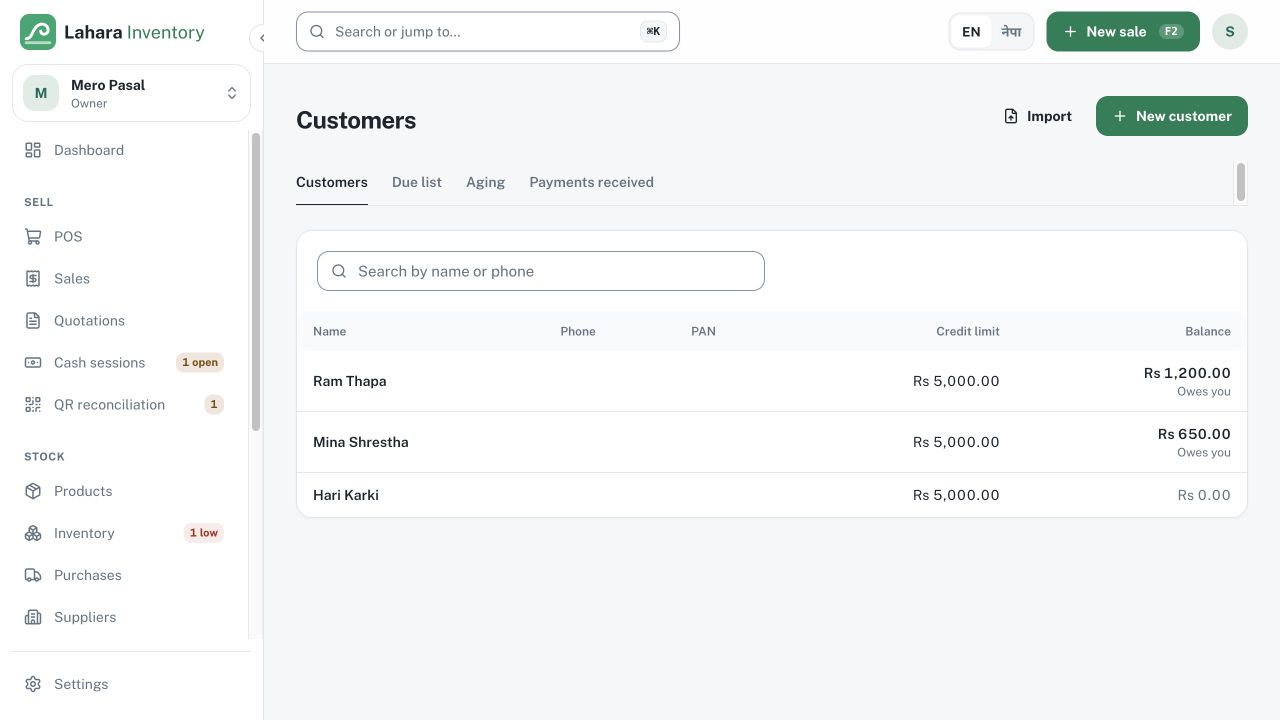
Create or select the customer.
Open Customers and add the customer’s details, or select an existing customer in POS. Check that you have the correct person before recording credit.
Record the credit sale.
In POS, select the customer and record the paid amount and credit remainder. Complete the sale, then check the customer’s balance.
Record money received later.
Open the customer record and choose Receive payment. Enter the amount, method, date, and reference where requested. Save the payment once and confirm its receipt.
Review the statement.
Check the customer’s statement for sales, payments, and remaining dues. Use receivables and ageing views to decide whom to follow up with.