A LITTLE HELP, EVERY STEP
Create your shop
Register, verify your email, and set up your shop’s details.
Maintained by Lahara Tech · Last reviewed
Create your account and verify your email.
Use the free-trial link, enter your name, email, and password, then open the verification email. Check spam or request another verification message if needed.
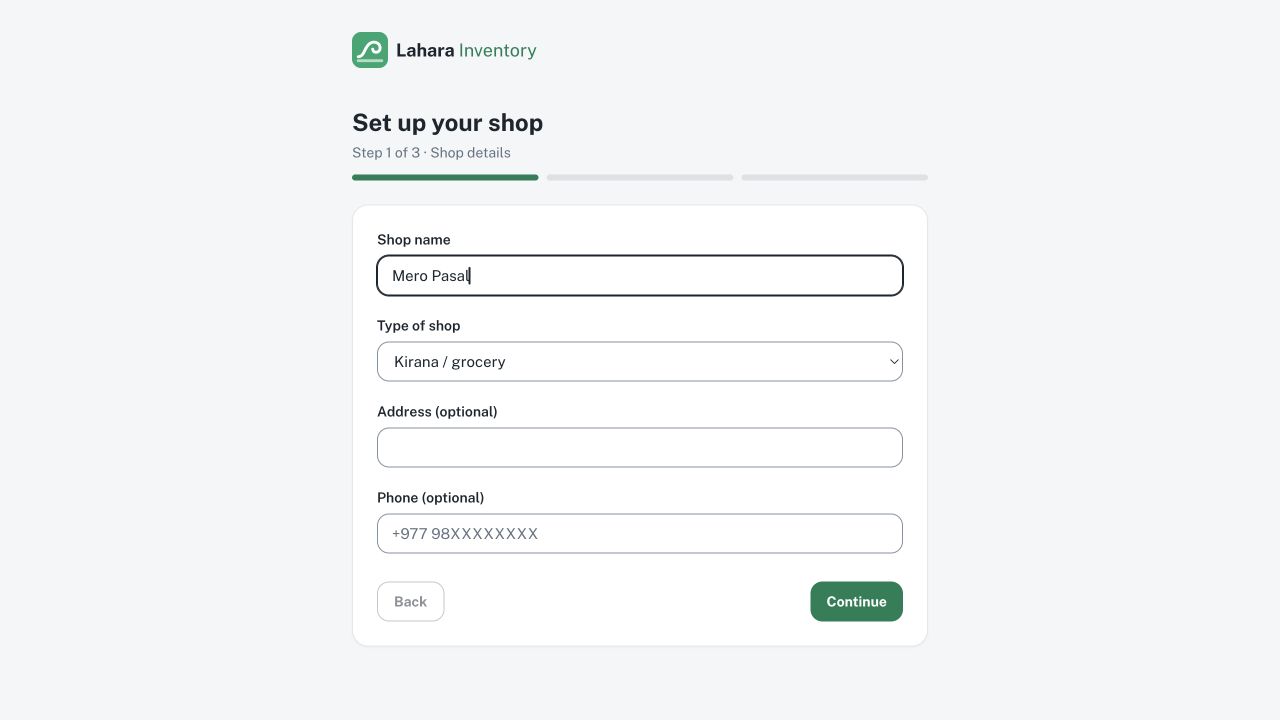
Add your shop details.
Enter your shop name and choose its type. Add an address and phone only if appropriate. A general shop type works when your exact category is not listed.
Check tax and date settings.
Set your PAN/VAT details if applicable, VAT registration, invoice prefix, fiscal year, and BS or AD date preference. Use the settings that apply to your business.
Create the shop and secure the owner account.
Creating your shop starts its 14-day trial. Complete the owner’s two-factor authentication setup when prompted, then add products or import your stock.